
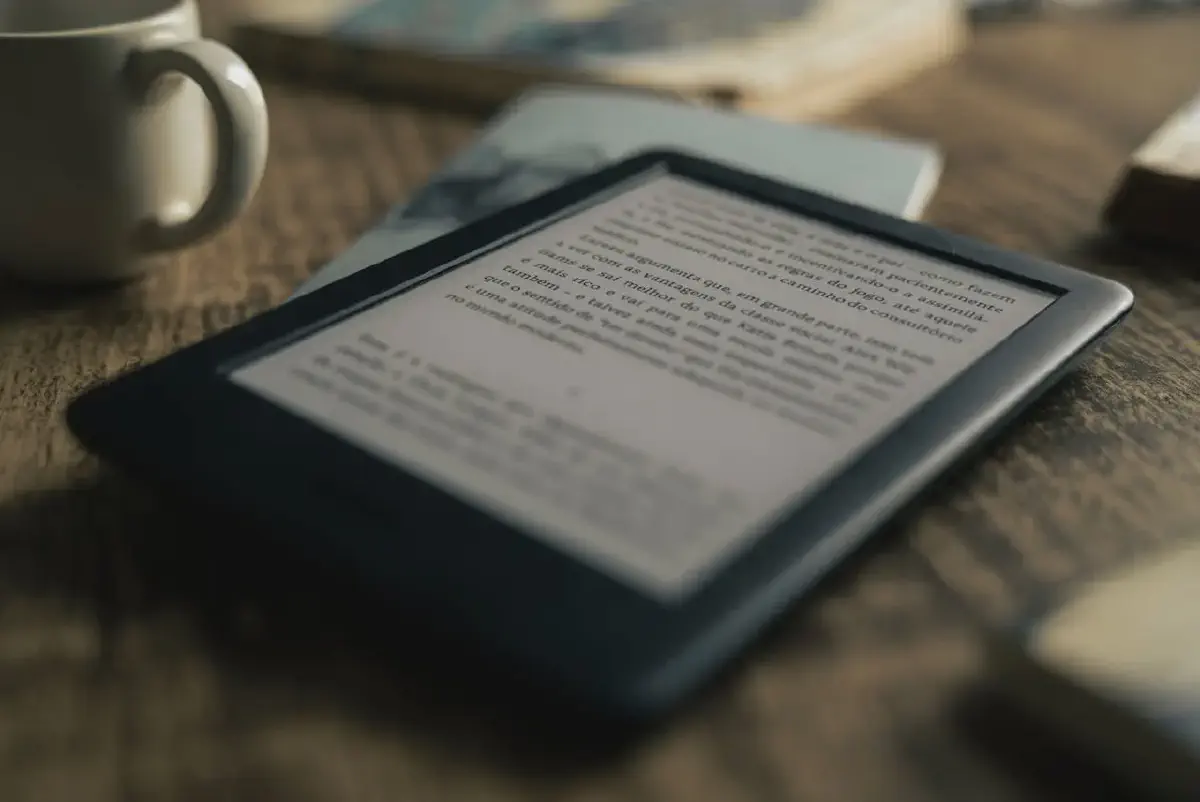
Amazon has announced that starting May 20, 2026, support for Kindle devices released in 2012 or earlier will officially end. After this date, these devices will lose access to the Kindle Store and basic cloud services.
Which Kindle models are affected? #
Kindle E-readers:
- Kindle 1st Generation (2007)
- Kindle 2nd Generation (2009)
- Kindle DX and DX Graphite (2009 and 2010)
- Kindle Keyboard (also known as Kindle 3, 2010)
- Kindle 4 (2011)
- Kindle Touch (2011)
- Kindle 5 (2012)
- Kindle Paperwhite 1st Generation (2012)
Kindle Fire Tablets:
- Kindle Fire 1st Generation (2011)
- Kindle Fire 2nd Generation (2012)
- Kindle Fire HD 7 (2012)
- Kindle Fire HD 8.9 (2012)
What will happen to your Kindles and books? #
Your Kindle won’t stop working, but most of its features are going away. After the May 20, 2026, your devices face these changes:
- No Store Access: You cannot browse, buy, or borrow new books directly on the device WiFi.
- No Cloud Downloads: You will lose the ability to download any books from your library that are not already stored on the device.
- Downloaded Content Stays: Any books currently in your device storage will remain there and can be read normally.
- Sideloading Workaround: You can still use a USB cable to move books from your computer to your Kindle. Amazon has confirmed this feature will not be disabled.
Since February 2025, Amazon has removed the “Download and Transfer via USB” button from their website. This means you can only sideload books you manually downloaded from the Amazon store before that cutoff, or DRM-free content from other sources like Project Gutenberg.
Should You Upgrade? #
The Case for Upgrading:
- Better deal: With your 20% discount and $20 credit, you can get a brand new Kindle for a much lower price.
- Modern hardware: Newer models feature 300 ppi screens (much sharper than the 167-212 ppi on older units), faster page turns, and USB-C charging.
- Warm lighting: Modern Kindles include a warmth setting to shift the screen from cool white to amber, making it easier to read at night.
The Case for Staying:
- The “Real book” Feel: Older Kindles (like the Kindle 4 or 5) have a recessed screen instead of a flush glass front. Without that extra layer of glass, the ink looks like it is printed directly on the surface, which many readers feel more like a physical book than a tablet.
- Physical buttons: Many of the affected models feature physical page-turn buttons. This allows for a tactile, one-handed reading experience that many people prefer over tapping a touchscreen.
- Eye health: Models without built-in lights are essentially digital paper. With no LEDs shining toward you, it remains the most eye-friendly way to read digitally.
How to get books on an out-of-support Kindle #
Since the Kindle Store is gone, you’ll need to move books from your computer via USB.
Where to find content:
- Standard Ebooks: High-quality public domain classics.
- Project Gutenberg: Over 75,000 free eBooks.
- DRM-Free Stores: Independent sites that sell books in open formats.
The USB Transfer Process:
- Connect: Plug the Kindle into your computer using a USB cable. It will appear as a removable drive.
- Choose the Format: Older Kindles cannot read EPUB. You must use AZW3 (best for 2012 models) or MOBI (best for 2011 and earlier).
- Convert: If you have an EPUB or PDF, use the free tool [ Calibre ] to convert it to AZW3 before moving it.
- Copy: Open the Kindle drive on your computer, find the documents folder, and drag your AZW3 or MOBI files into it.
- Eject: Safely remove the device and your new books will appear in your library.
Important Reminders
Amazon store: You cannot transfer Amazon books bought after February 2025 because the “Download and Transfer” button was removed from their website.
No syncing: Page numbers and highlights will no longer sync to your phone.
Do not factory reset: If you factory reset after May 20, 2026, you won’t be able to log back in.
Format: AZW3 (also called Kindle Format 8) is usually the better choice for your readers because it supports better fonts and layouts than the much older MOBI format.